Hello! In this video we are going to learn how to enable WiFi in our InHand IR915L and also how to set up a SSID and password. If you have a question please leave your comment. Thank you so much for watching this video.
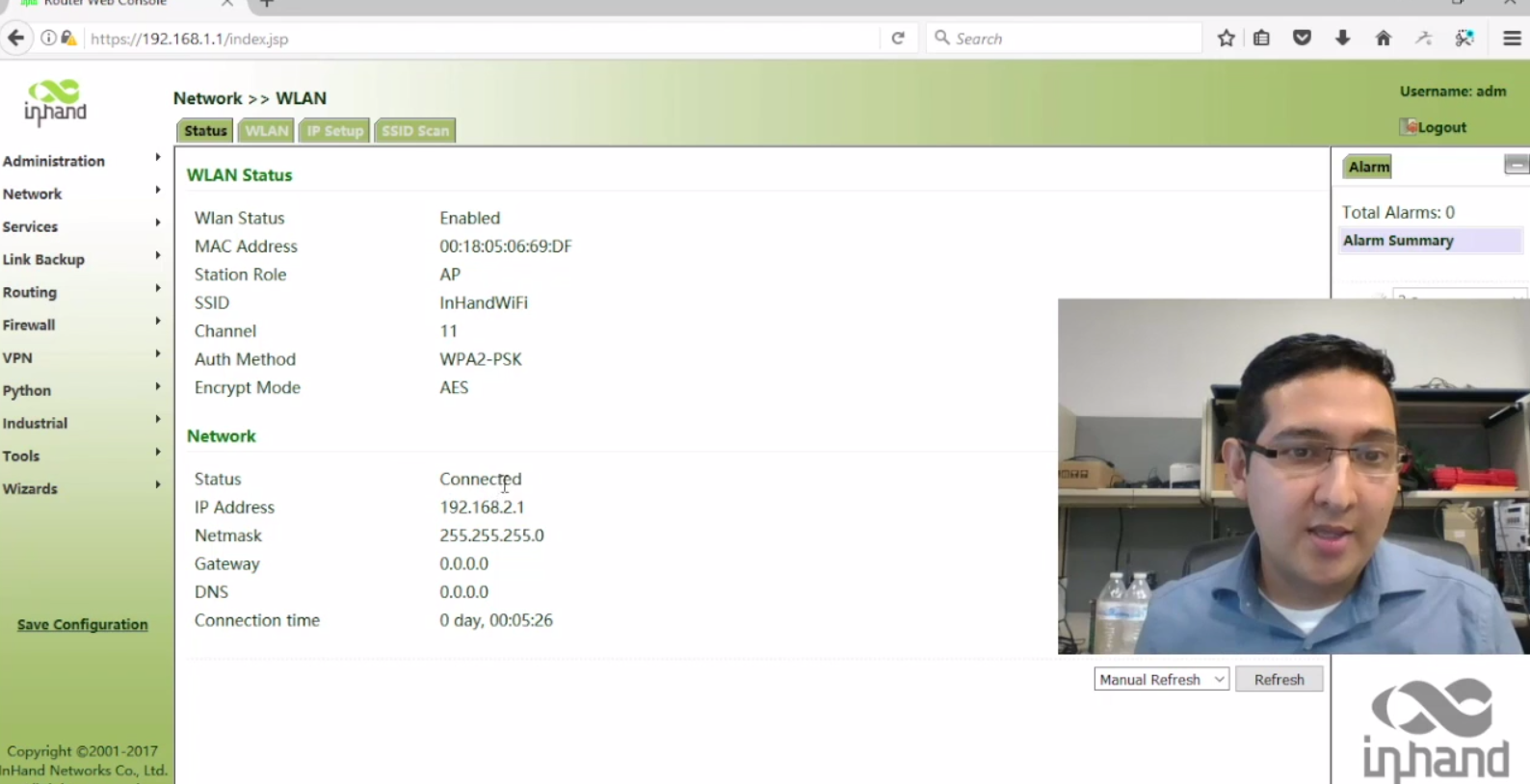
How to enable and configure WLAN functions in your IR915L:
- Login in the router’s administration page
- Select NETWORK and then WLAN
- Click in the WLAN tab
- Enable this function by pressing the checkbox
- Change (if you wish) the SSID and the password
- Verify the WLAN led light in your router
- Ready Best Regards.
Jorge Mercado Technical Support Engineer InHand Networks email / skype: jorge.mercado@inhandnetworks.com http://www.inhandnetworks.com